
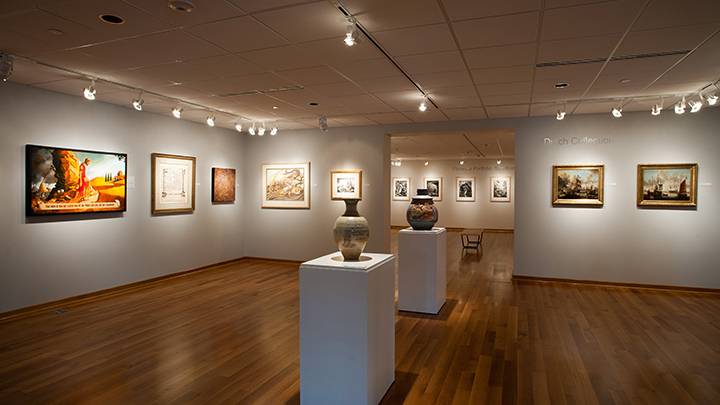
Center Art Gallery - Virtual Tour


Using installation, sculpture, and 2-dimensional artwork "Sellout" explores the place and responsibility of the artist in a consumer society. (File size 150k)

How to look around:
The panoramic's cursor pointing Left, Hold, RightTo move around in a panorama, simply click and drag your mouse to the left or right within the panoramic.

How to zoom:
To zoom in and out, use the "+" or "-" buttons in the panoramic's toolbar. Or, with you cursor over the panoramic, press Control key to zoom out (Command for Macs) or Shift to zoom in.

I don't see anything:
Get a free QuickTime Player If the panoramic image does not appear you may need to download the free QuickTime plug-in for your computer. Or, choose the low bandwidth tour which does not use multimedia or require plug-ins.