
Welcome
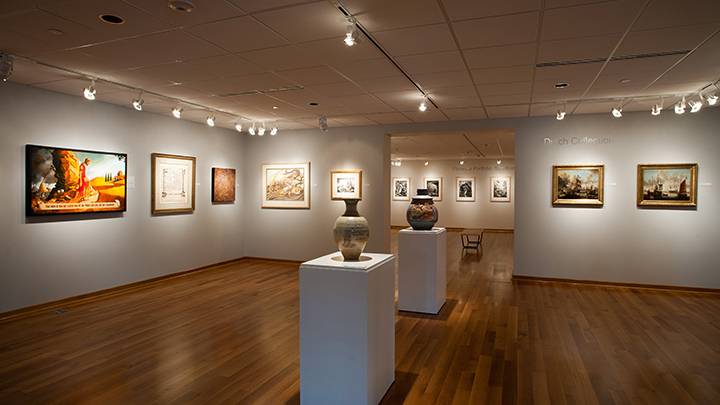
Founded in 1974, the Center Art Gallery moved from Spoelhoef University Center to the Fine Arts Center in 2010. With 3800 square feet of exhibition space, the Gallery displays a wide range of temporary exhibitions, including major loan exhibitions and work by Calvin faculty, alumni, and students.